Using Focus Mode, Focus Dimming, and Typewriter Mode
How to hide everything but your page with Focus Mode, fade the text around your cursor with Focus Dimming, and hold your line in place with Typewriter Mode.
Hide everything but your page
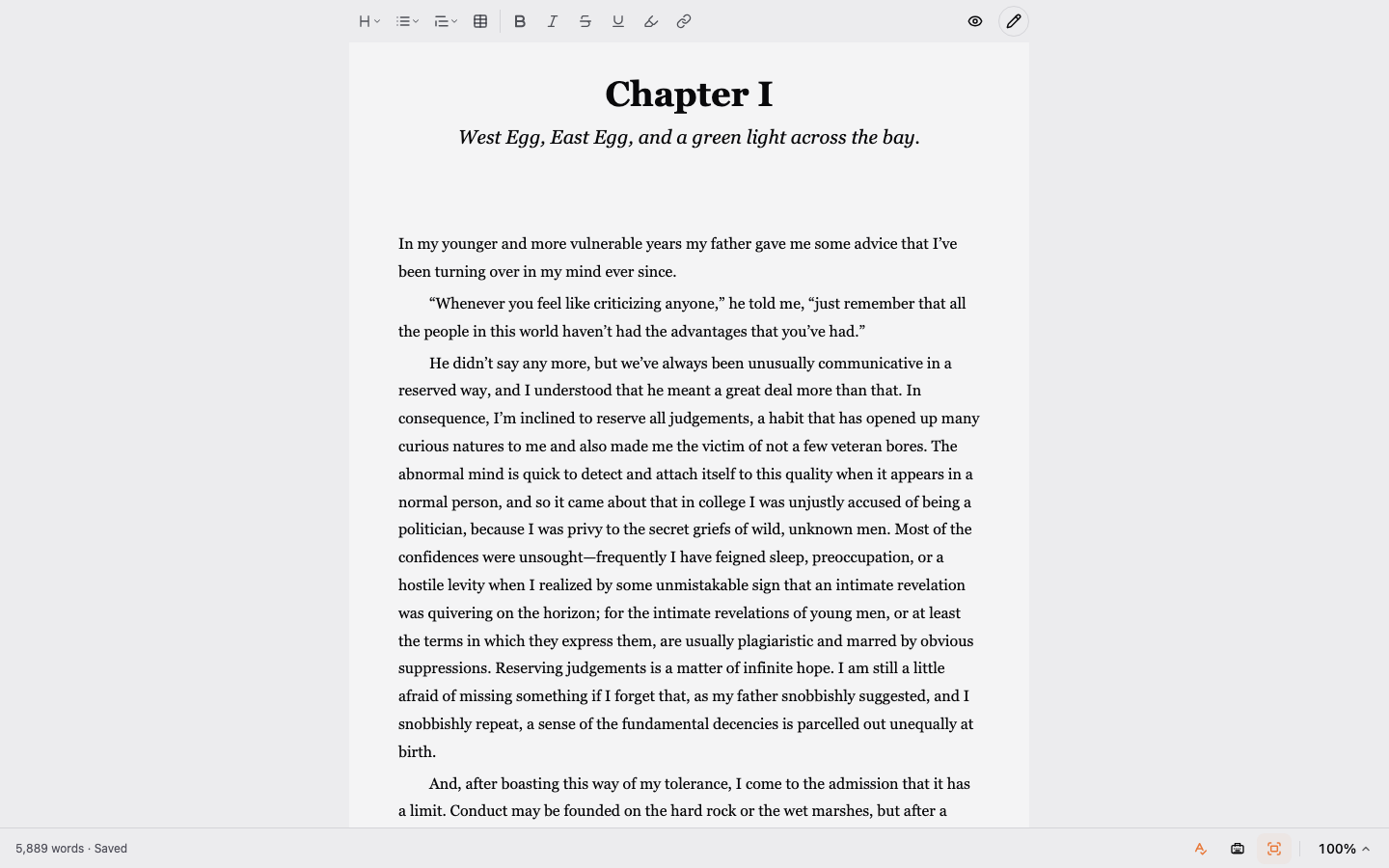
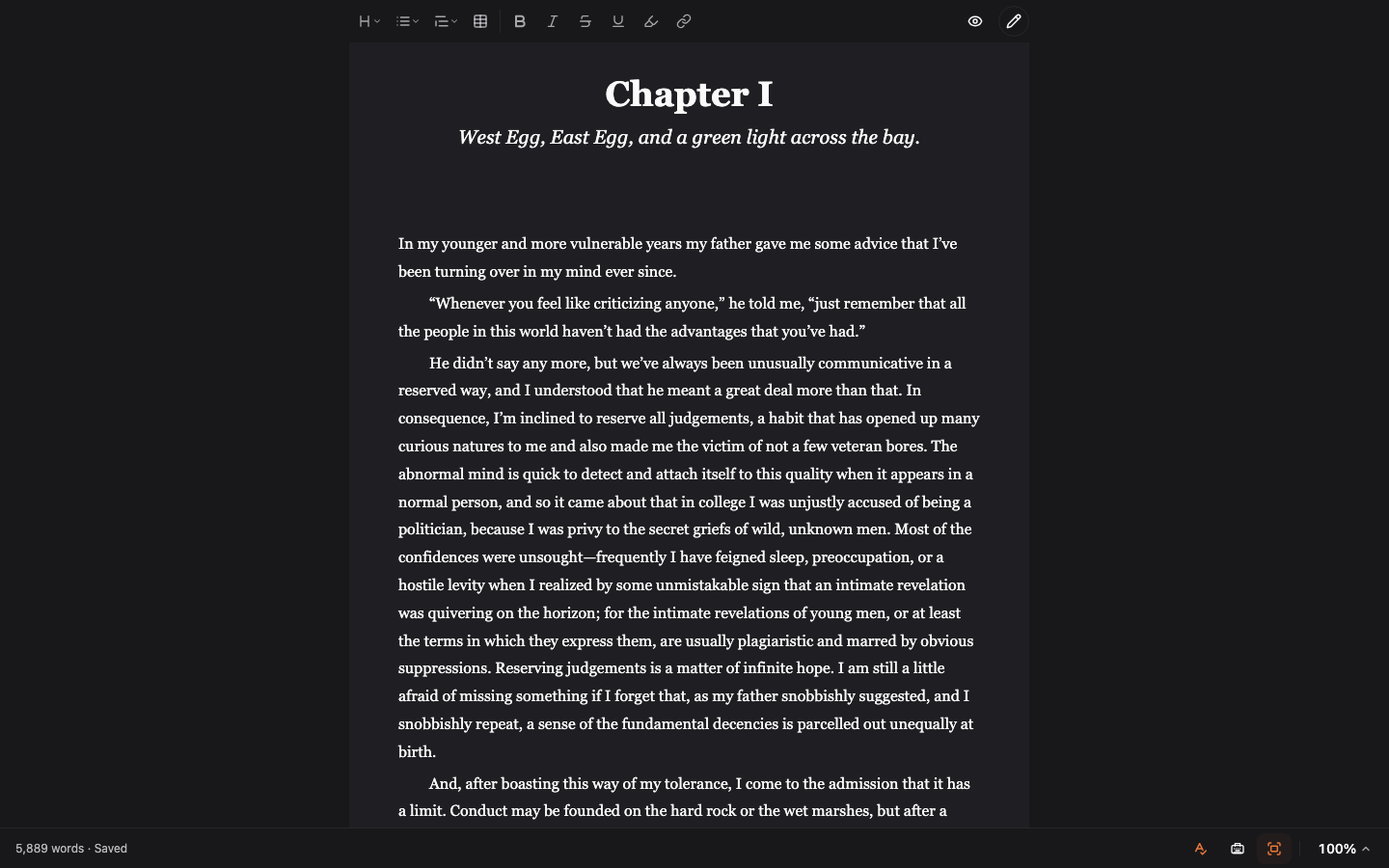
Focus Mode fills the screen with your page and hides the sidebar and the icon rail.
- Select Focus Mode in the editor footer, or press ⇧⌘. (Ctrl+Shift+. on Windows).
- To leave, press Escape.
The toolbar and the editor footer fade out after 3 seconds, or as soon as you type. Move the mouse and they come back. While they’re hidden, select text to get the formatting buttons in a small bar above it.
Focus Mode turns off when you open another document or reload the page. With tabs open or the editor split, it fills the screen with the document you were writing in.
Fade the text around your cursor
Focus Dimming fades the prose you aren’t working on. It’s for your manuscript, and notes don’t have it. Open View, the eye at the right end of the toolbar above the page, and pick one under Focus Dimming:
- Off: everything stays sharp.
- Sentence: the sentence your cursor is in stays sharp.
- Paragraph: the paragraph your cursor is in stays sharp.
Your choice stays until you change it, including after a reload.
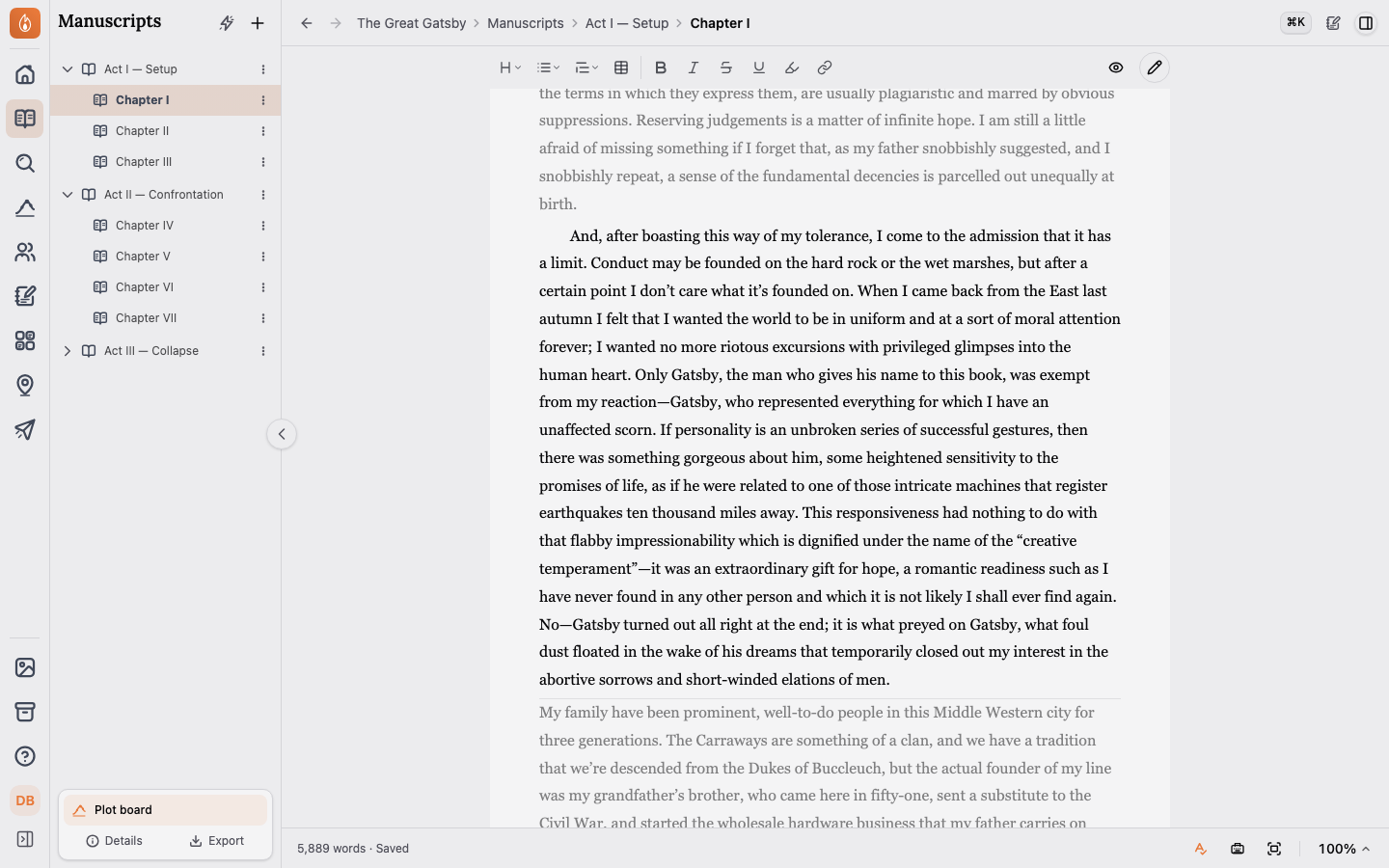
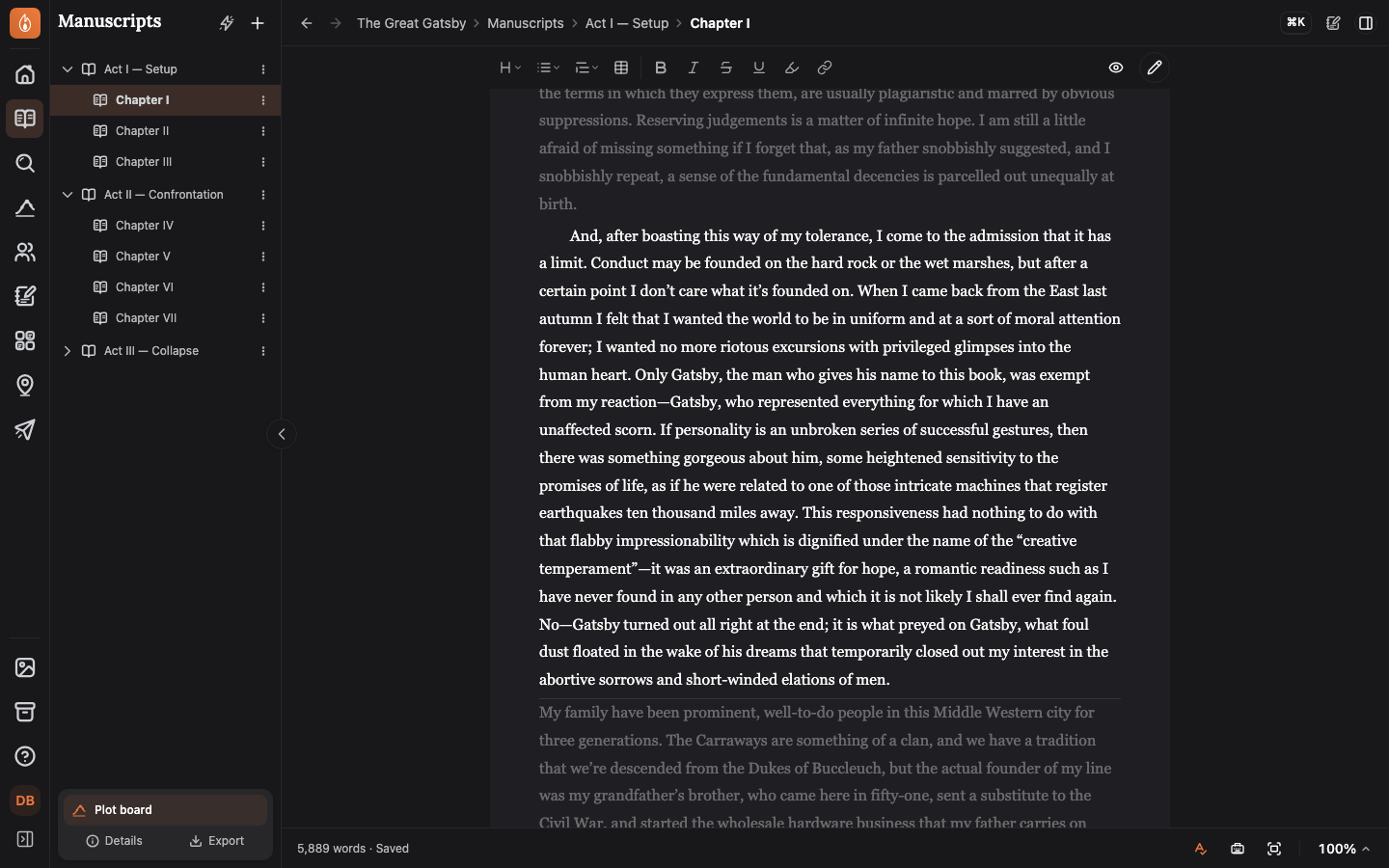
Select across several paragraphs and every one you’ve touched stays sharp.
In Sentence mode, headings, list items, and block quotes stay sharp as a whole. Quoted dialogue and titles like “Mr.” stay part of their sentence.
Keep the line you’re typing in one place
Typewriter Mode holds the line you’re typing about a third of the way down the screen. The page scrolls up under it as you write. It’s for your manuscript, and notes don’t have it.
Select Typewriter Mode in the editor footer, or press ⇧⌘Y (Ctrl+Shift+Y on Windows). It stays on until you turn it off.
Each new line eases into place. If reduced motion is on in your system’s accessibility settings, the page jumps instead.
Use all three at once
The three work in any combination. With all three on, one sharp paragraph sits on a fixed line. The rest of the Studio is hidden.
Related
Was this helpful?
Thanks for letting us know.